Python中使用第三方库xlrd来读取Excel示例
本篇文章介绍如何使用xlrd来读取Excel表格中的内容,xlrd是第三方库,所以在使用前我们需要安装xlrd。另外我们一般会使用xlwt来写Excel,所以下一篇文章我们会来介绍如何使用xlwt来写Excel。xlrd下载:xlrd 0.8.0
安装xlrd
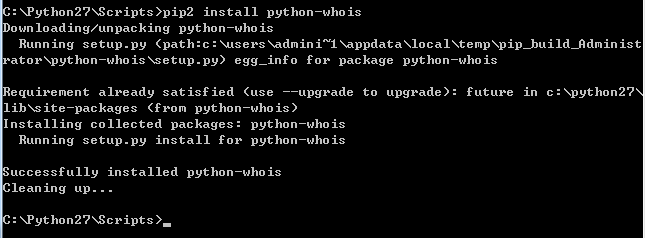
安装xlrd,只需运行setup即可,另外你也可以直接解压缩到你的project中,也可以直接用
xlrd的API
获取Excel,这里称之为work book
复制代码 代码如下:
open_workbook(file_name)
获取指定的Sheet,有两种方式
复制代码 代码如下:
sheet = xls.sheet_by_index(sheet_no)
sheet = xls.sheet_by_name(sheet_name)
获取整行和整列的值(数组)
复制代码 代码如下:
sheet.row_values(i)
sheet.col_values(i)
获取总行数和总列数
复制代码 代码如下:
nrows = sheet.nrows
ncols = sheet.ncols
使用xlrd
使用xlrd这里就用一个简单的例子示例下:
复制代码 代码如下:
# -*- coding: utf-8 -*-
'''''
Created on 2012-12-14
@author: walfred
@module: XLRDPkg.read
@description:
'''
import os
import types
import xlrd as ExcelRead
def readXLS(file_name):
if os.path.isfile(file_name):
try:
xls = ExcelRead.open_workbook(file_name)
sheet = xls.sheet_by_index(0)
except Exception, e:
print "open %s error, error is %s" %(file_name, e)
return
rows_cnt = sheet.nrows
for row in range(1, rows_cnt):
name = sheet.row_values(row)[0].encode("utf-8").strip()
sex = sheet.row_values(row)[1].encode("utf-8").strip()
age = sheet.row_values(row)[2]
if type(age) is types.FloatType:#判读下类型
no = str(int(age))
else:
age = no.encode("utf-8").strip()
country = sheet.row_values(row)[3].encode("utf-8").strip()
print "Name: %s, Sex: %s, Age: %s, Country: %s" %(name, sex, age, country)
if __name__ == "__main__":
readXLS("./test_read.xls");
很easy吧,需要说明的是,目前xlrd只支持95-03版本的MS Excel,所以使用之前需要核对自己的word版本。