Python的Bottle框架中获取制定cookie的教程
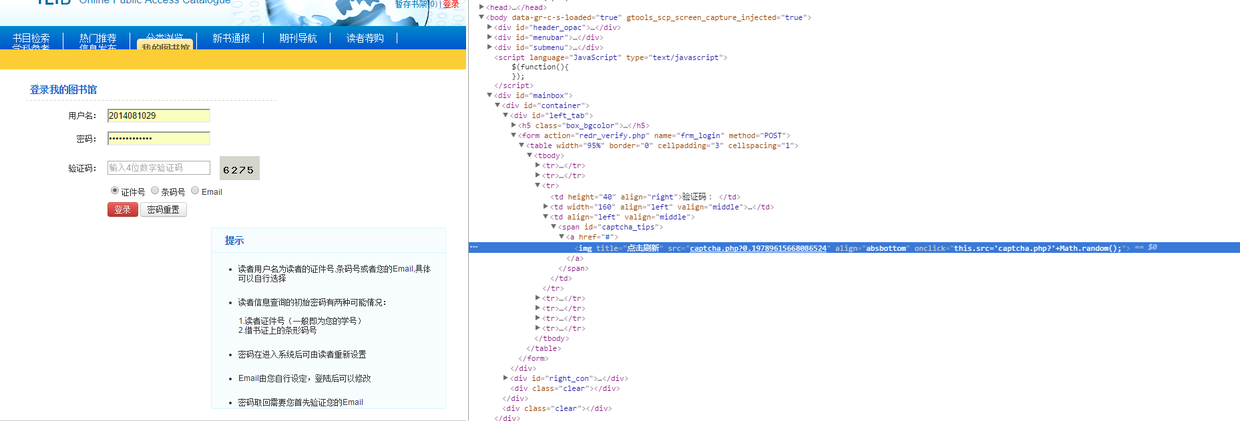
这两天为用bottle+mongodb写的一个项目加上登录功能,无奈怎么都获取不到保存的cookie,文档给出让我们这样操作cookie的代码片段:
@route('/login')
def login ():
   username = request .forms .get('username ')
   password = request .forms .get('password ')
   if check_user_credentials(username, password):
      response .set_cookie("account", username, secret= 'some-secret-key')
      return "Welcome %s!You are now logged in." % username
   else :
      return "Login failed."

@route('/restricted')
def restricted_area ():
   username = request .get_cookie("account", secret= 'some-secret-key')
   if username:
      return "Hello %s.Welcome back." % username
虽然文档上没有但是还有一种操作cookie的方式:
from bottle import request, response

@route('/login', method="POST")
def login():
  user = request.POST['user']
  passwd = request.POST['passwd']

  if check_user_right(user,passwd):
    response.COOKIES['account'] = user
  else:
    pass

@route('/admin')
def admin():
  user = request.COOKIES['user']
  if user:
    pass
但是无论我用哪种方式操作我都无法获取cookie,为什么呢.百思不得其解.但是我的一个处理文章点击率的提醒了我,代码如下:
@route('/archrives/:aid#\d+#')
def article_show(aid):
  db = dbconn.ConnDB()
  artid = int(aid)
  # 获取客户端ip
  remoteip = request.environ.get('REMOTE_ADDR')

  artcookie = remoteip+'ip'+aid
  print request.COOKIES.keys()

  # 判断cookie是否存在
  if artcookie in request.COOKIES.keys():
    # 存在则更新有效时间
    response.COOKIES[artcookie] = True
    response.COOKIES[artcookie]['max-age'] = 500
  else:
    # 不存在则更新文章查看次数
    db.posts.update({"id":artid}, {"$inc":{"views":1}})

    # 并设置cookie
    response.COOKIES[artcookie] = True
    response.COOKIES[artcookie]['max-age'] = 500

  TEMPLATE['posts'] = getArtList({"id":artid})
  TEMPLATE.update(setTempVar())

  return template('article.html', TEMPLATE)
这里是可以正常获取到cookie的,而且代码没有任何区别.唯一的区别就是用户认证是跳转了页面.所以我help了一下:
from bottle import response
help(response.set_cookie)
help的结果其中有两个参数一个是path,和domain:
 :param domain: the domain that is allowed to read the cookie.
   (default: current domain)
  :param path: limits the cookie to a given path (default: current path)
明显bottle的cookie默认只在当前路径下能读取的到,所以要别的页面读取到cookie我们的代码须改成如下:
from bottle import request, response

@route('/login', method="POST")
def login():
  user = request.POST['user']
  passwd = request.POST['passwd']

  if check_user_right(user,passwd):
    response.COOKIES['account'] = user
    response.COOKIES['account']['path'] = '/admin'
  else:
    pass

@route('/admin')
def admin():
  user = request.COOKIES['user']
这样我们就能在别的路径下访问我们设定的cookie.