Python 通过打码平台实现验证码的实现
在爬虫时,经常遇到登录需要验证码的情况,简单的验证码可以自己解决,复制的验证码需要借助机器学习,有一定的难度。还有一个简单的方案就是采用付费的打码平台。
比如R若快(http://www.ruokuai.com/client),还有云打码平台(http://www.yundama.com/price.html)
下面以R若快为例介绍打码平台的思路:
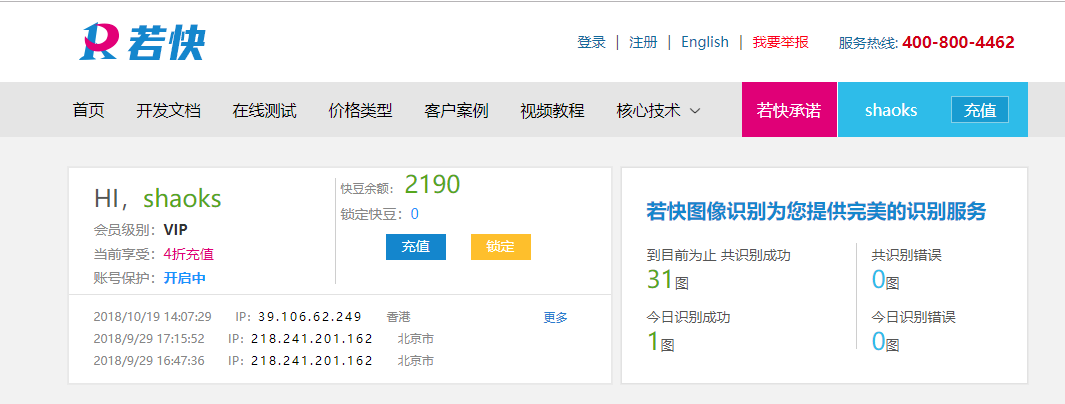
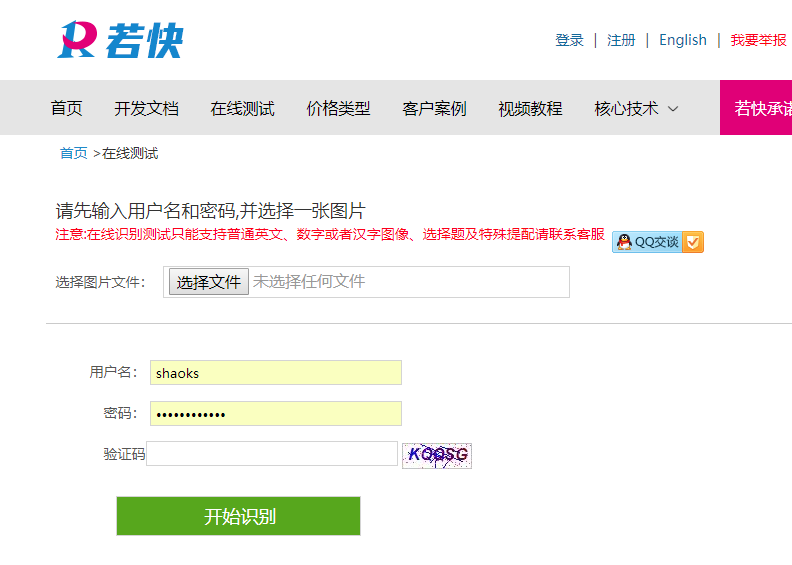
R若快平台需要注册两个用户,一个是普通用户,一个开发者用户,
1、首先验证码截图,就是截取网站上登录页面的验证码图片并保存到本地
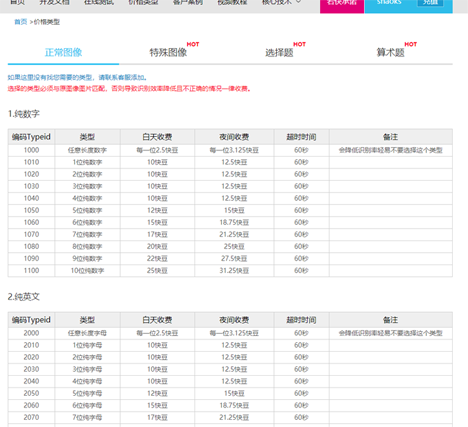
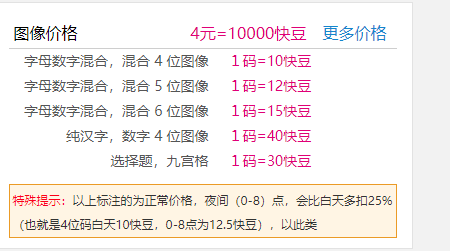
2、调用打码平台的接口把验证码图片发送到打码平台并获取到验证码结果。
具体代码如下:
#!/usr/bin/env python
# coding:utf-8

import requests
from hashlib import md5


class RClient(object):

  def __init__(self, username='shaoks123', password='123456', soft_id='113452', soft_key='c0d07d796c8e470c92a126df60d61794'):
    self.username = username
    # self.password = md5(password).hexdigest()
    self.password = md5(password.encode("utf-8")).hexdigest()
    self.soft_id = soft_id
    self.soft_key = soft_key
    self.base_params = {
      'username': self.username,
      'password': self.password,
      'softid': self.soft_id,
      'softkey': self.soft_key,
    }
    self.headers = {
      'Connection': 'Keep-Alive',
      'Expect': '100-continue',
      'User-Agent': 'ben',
    }

  def rk_create(self, im, im_type, timeout=60):
    """
    im: 图片字节
    im_type: 题目类型
    """
    params = {
      'typeid': im_type,
      'timeout': timeout,
    }
    params.update(self.base_params)
    files = {'image': ('a.jpg', im)}
    r = requests.post('http://api.ruokuai.com/create.json', data=params, files=files, headers=self.headers)
    return r.json()

  def rk_report_error(self, im_id):
    """
    im_id:报错题目的ID
    """
    params = {
      'id': im_id,
    }
    params.update(self.base_params)
    r = requests.post('http://api.ruokuai.com/reporterror.json', data=params, headers=self.headers)
    return r.json()

  def test(self,imagefile,im_type=1030):
    # im = open('E:\python36_crawl\Veriycode\code\code_823.png', 'rb').read()
    im = open(imagefile, 'rb').read()
    result = self.rk_create(im, im_type)
    print(result['Result'])
    return result['Result']


# if __name__ == '__main__':
#   rc = RClient()
#   im = open('E:\python36_crawl\Veriycode\code\code_823.png', 'rb').read()
#   result = rc.rk_create(im, 1030)
#   print(result['Result'])
以上就是本文的全部内容,希望对大家的学习有所帮助,也希望大家多多支持【听图阁-专注于Python设计】。