pytorch索引查找 index_select的例子
index_select
anchor_w = self.FloatTensor(self.scaled_anchors).index_select(1, self.LongTensor([0]))
参数说明:index_select(x, 1, indices)
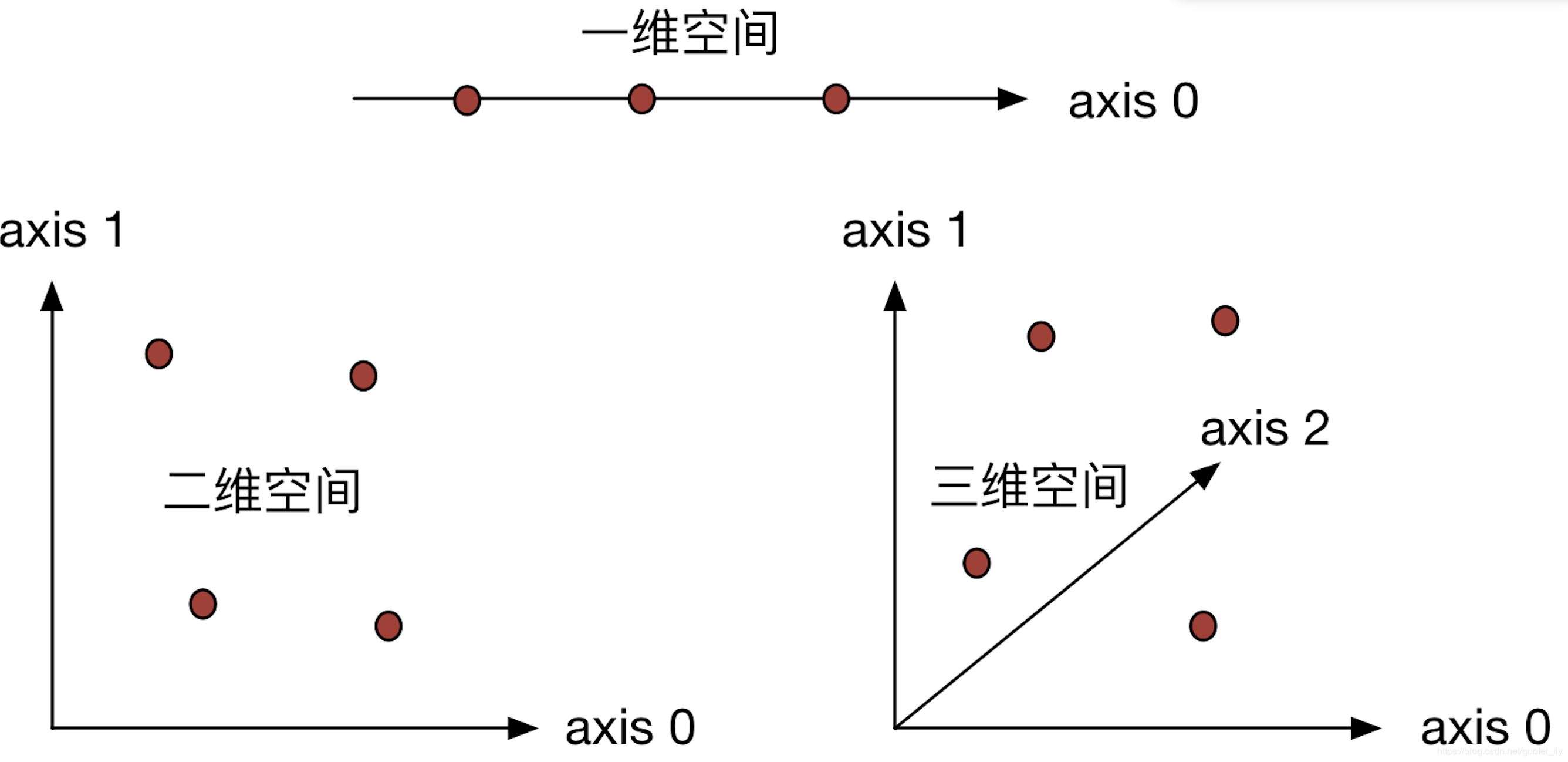
1代表维度1,即列,indices是筛选的索引序号。
例子:
import torch


x = torch.linspace(1, 12, steps=12).view(3,4)

print(x)
indices = torch.LongTensor([0, 2])
y = torch.index_select(x, 0, indices)
print(y)

z = torch.index_select(x, 1, indices)
print(z)

z = torch.index_select(y, 1, indices)
print(z)
结果:
tensor([[ 1.,  2.,  3.,  4.],
    [ 5.,  6.,  7.,  8.],
    [ 9., 10., 11., 12.]])
tensor([[ 1.,  2.,  3.,  4.],
    [ 9., 10., 11., 12.]])
tensor([[ 1.,  3.],
    [ 5.,  7.],
    [ 9., 11.]])
tensor([[ 1.,  3.],
    [ 9., 11.]])
以上这篇pytorch索引查找 index_select的例子就是小编分享给大家的全部内容了,希望能给大家一个参考,也希望大家多多支持【听图阁-专注于Python设计】。