Python 识别12306图片验证码物品的实现示例
1、PIL介绍以及图片分割
Python 3 安装: pip3 install Pillow
1.1 image 模块
Image模块是在Python PIL图像处理中常见的模块,主要是用于对这个图像的基本处理,它配合open、save、convert、show…等功能使用。
from PIL import Image
#打开文件代表打开pycharm中的文件
im = Image.open('1.jpg')
#展示图片
im.show()
1、Crop类
拷贝这个图像。如果用户想粘贴一些数据到这张图,可以使用这个方法,但是原始图像不会受到影响。
im.crop(box) ⇒ image
从当前的图像中返回一个矩形区域的拷贝。变量box是一个四元组,定义了左、上、右和下的像素坐标。用来表示在原始图像中截取的位置坐标,如box(100,100,200,200)就表示在原始图像中以左上角为坐标原点,截取一个100*100(像素为单位)的图像。
from PIL import Image
im = Image.open("pic1.jpg")
##确定拷贝区域大小
box = (5, 41, 72, 108)
##将im表示的图片对象拷贝到region中,大小为box
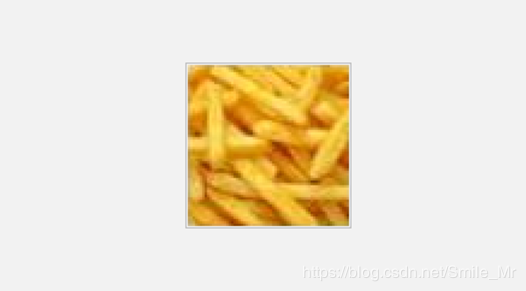
region = im.crop(box)
region.show()
实战一:12306图像分割并保存
from PIL import Image
#切割图像,由于下载的图片都是有固定的位置,所以直接控制像素进行切割就行了
def cut_img(im, x, y):
  assert 0 <= x <= 3
  assert 0 <= y <= 2
  left = 5 + (67 + 5) * x
  top = 41 + (67 + 5) * y
  right = left + 67
  bottom = top + 67
  return im.crop((left, top, right, bottom))

if __name__ == '__main__':
  im = Image.open("./pic1.jpg")
  #控制y轴
  for y in range(2):
    #控制x轴
    for x in range(4):
      im2 = cut_img(im, x, y)
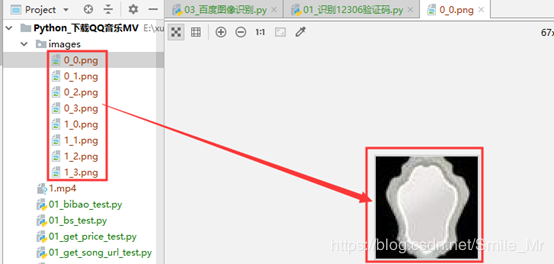
      im2.save('./images/%s_%s.png'%(y,x))
2、百度平台接口实现
2.1.平台接入:
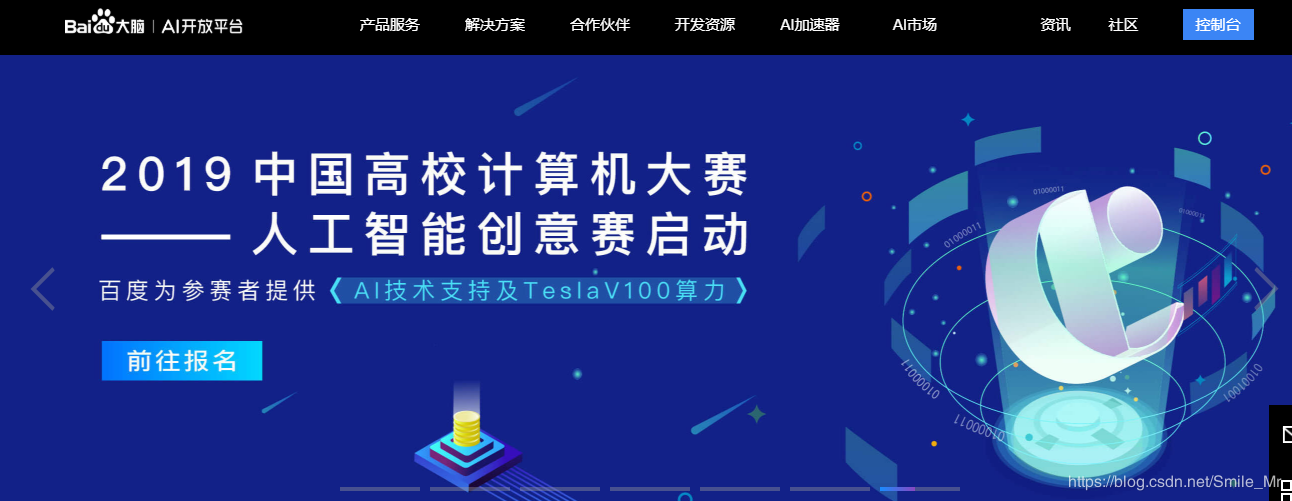
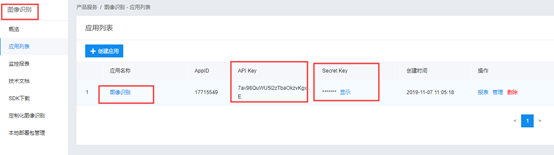
1.打开https://ai.baidu.com/进入控制台,选择文字识别服务。
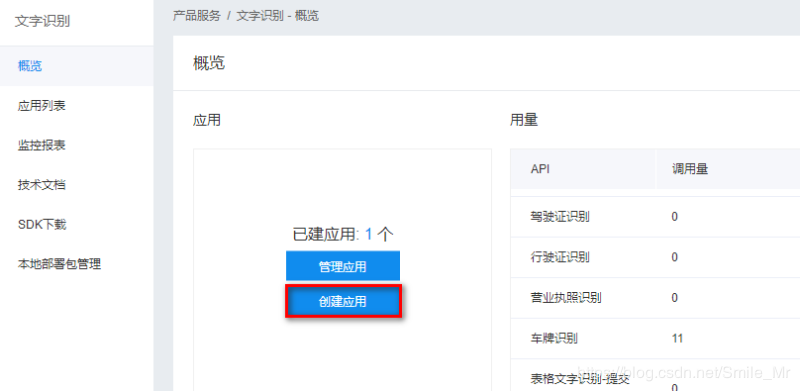
2.创建应用,如图示:
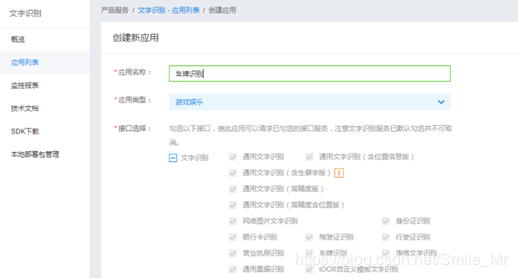
3.输入应用名称、描述,并选择应用类型,之后点击“立即创建”按钮。
4.创建完毕,点击“返回应用列表”。
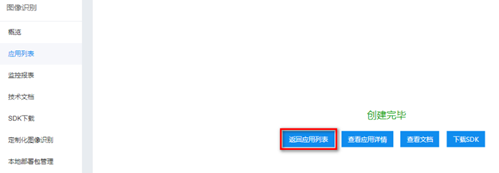
5.此处显示AK,SK,后面程序中会用到
3. 官方文档的读取
1.打开https://ai.baidu.com/docs#/OCR-API/top 文档说明
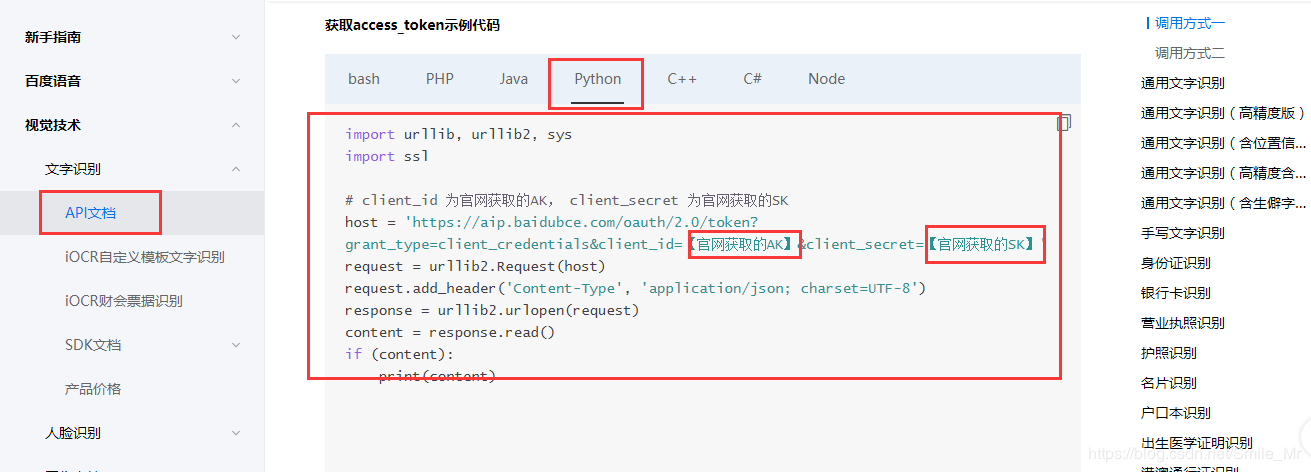
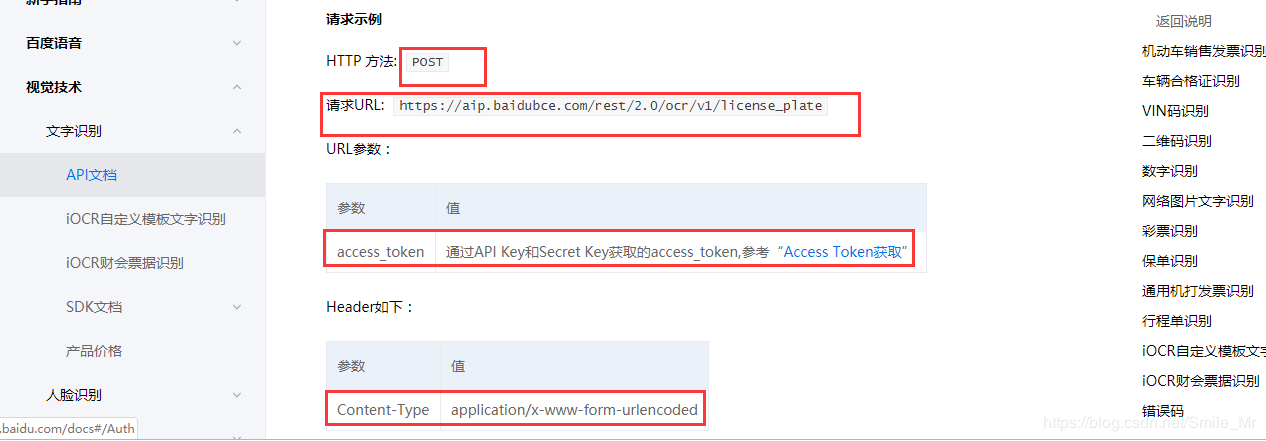
需要用到的信息有:
(1)图像识别URL: https://aip.baidubce.com/rest/2.0/image-classify/v2/advanced_general
(2)Header格式:Content-Type:application/x-www-form-urlencoded
(3) 请求参数:image和multi_detect两个参数,image为图像数据,base64编码后进行urlencode,要求base64编码和urlencode后大小不超过4M。
(4)返回参数:车牌颜色Color、车牌号码number等。
#!/usr/bin/python
# -*- coding: utf-8 -*-
import base64
import requests
import os
import time
#todo:获取百度权限验证码access_token
def get_token():
  get_token_url = "https://aip.baidubce.com/oauth/2.0/token"
  params = {
    "grant_type": "client_credentials",
    "client_id": "7ax98QuWU5l2zTbaOkzvKgxE",
    "client_secret": "INugQTM2DAfNFgfxtvgR7eF8AHPFGP5t",
  }
  res = requests.get(get_token_url, params).json()
  return res["access_token"]
#todo:通过权限验证码和图片进行识别物品
def get_result(access_token,image):
  url = "https://aip.baidubce.com/rest/2.0/image-classify/v2/advanced_general"
  #打开文件并进行编码
  with open(image, 'rb')as f:
    image = base64.b64encode(f.read())
  # image =
  #头部信息
  headers = {
    'Content-Type': 'application/x-www-form-urlencoded'
  }
  #发送数据
  data = {
    "access_token": access_token,
    "image": image
  }
  #发送请求,并返回识别数据
  res = requests.post(url, headers=headers, data=data).json()
  if res:
    result = res['result']
    return result
#todo:获取图片关键物品
def get_keywords(result):
  #按照最大匹配率进行排序,并获取左最后一个
  max_score = sorted(result,key=lambda x:x['score'])[-1]
  # print(max_score['keyword'])
  keyword = max_score['keyword']
  return keyword

if __name__ == '__main__':
  access_token = get_token()
  get_result(access_token,'pic1.jpg')
  datas = []
  for root,dir,files in os.walk('images'):
    for file in files:
      image = os.path.join(root,file)
      result = get_result(access_token,image)
      keyword = get_keywords(result)
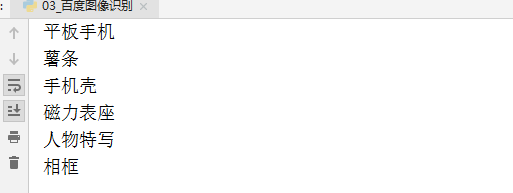
      print(keyword)
      time.sleep(1)
      datas.append(keyword)
  print(datas)
总结:
- PIL介绍以及图片分割
- 百度AI图像识别实例搭建
- 识别12306类别码
以上就是本文的全部内容,希望对大家的学习有所帮助,也希望大家多多支持【听图阁-专注于Python设计】。